Payroll workflows
Excel vs free payroll software in Canada: when to switch
A payroll spreadsheet can start as a simple list of names, hours and rates. The harder work arrives when a rate changes, an employee takes leave or someone needs to explain a correction from three months ago. Choosing between Excel and free payroll software is about whether your process remains easy to review as the business grows.
When a spreadsheet still fits
A small, stable payroll may be manageable in a carefully maintained workbook. That means one controlled version, documented formulas, restricted access and someone responsible for checking every run. A spreadsheet is flexible, but that flexibility also lets a pasted value replace a formula without an obvious warning.
Before changing systems, write down where the work happens today. Include collecting hours, calculating pay, preparing statements, paying employees, tracking remittances and keeping records. The workbook may cover only part of that process.
Compare the work around the calculation
- Changes: Can the reviewer see which rate, hours or deduction changed since the last run?
- Corrections: Can you preserve the original result while documenting the adjustment?
- Employee access: How are pay statements delivered without sharing another employee’s information?
- Continuity: Could a second person prepare payroll using your written instructions?
- History: Can you reconcile employee totals to the approved payroll and actual payments?
Use these questions in a product trial. A polished dashboard is less useful than a process your team can repeat and check.
What free payroll software does—and what to check separately
PayHr’s Free Payroll plan is an option for employers seeking to avoid a payroll software subscription. PayHr supports payroll in every Canadian province except Quebec. Review the current plan details and the employee app to see how employee records and pay statements fit your workflow.
A free software plan does not mean every payment or filing service is free or included. Confirm how employees will receive money, any bank or provider charges, who submits required returns and which optional services are actually available to your account. Creating a payroll record is different from moving money.
Try one completed payroll before deciding
Use a previously completed run as a comparison exercise, without issuing payments again. Enter the same period, employee details and approved hours. Compare gross earnings, deductions, net pay and employer costs with your saved records. Investigate differences before changing the live process.
For example, a five-person business might find that its calculation takes little time, but distributing statements and tracing corrections takes much longer. Record the time spent on those tasks across two normal paydays. This gives you a practical basis for deciding whether a new workflow helps; it is not a promised time saving.
Make the move without losing your records
Keep an export of the workbook, supporting timesheets and approved reports. Identify the last payroll in the old process and the first in the new one. Follow our mid-year switching checklist if employees have already been paid this year.
The employer remains responsible for payroll obligations. The CRA employer guide explains deductions, remittances and record keeping. Software selection should support those responsibilities, with clear review and payment steps.
Frequently asked questions
Is Excel enough for Canadian payroll?
The useful question is whether your workbook and surrounding process produce accurate, reviewable records for your situation. A spreadsheet needs maintained formulas and reliable controls; software also needs correct inputs and review.
Should I switch just because payroll software is free?
No. Compare the entire workflow, including payment fees, employee access, exports and corrections. Start with our software selection guide and test the tasks you actually perform.
General information, not individual tax or legal advice. Check current CRA guidance and the rules for your situation. Product details reflect the linked PayHr guides.
Put your next payday in order
Explore PayHr’s payroll software and Free Payroll plan, or follow the workspace setup guide.
Keep reading

Pay schedules
Biweekly vs semi-monthly payroll in Canada: 26 vs 24 pay periods
Understand biweekly and semi-monthly payroll, compare a salary example, and plan Canadian pay dates, timesheet cutoffs and payroll funding.
Read the guide
Payroll setup
Switching payroll software mid-year in Canada: a practical checklist
Plan a Canadian payroll software switch with year-to-date records, a clear cutover date, payment reconciliation and a first-run review checklist.
Read the guide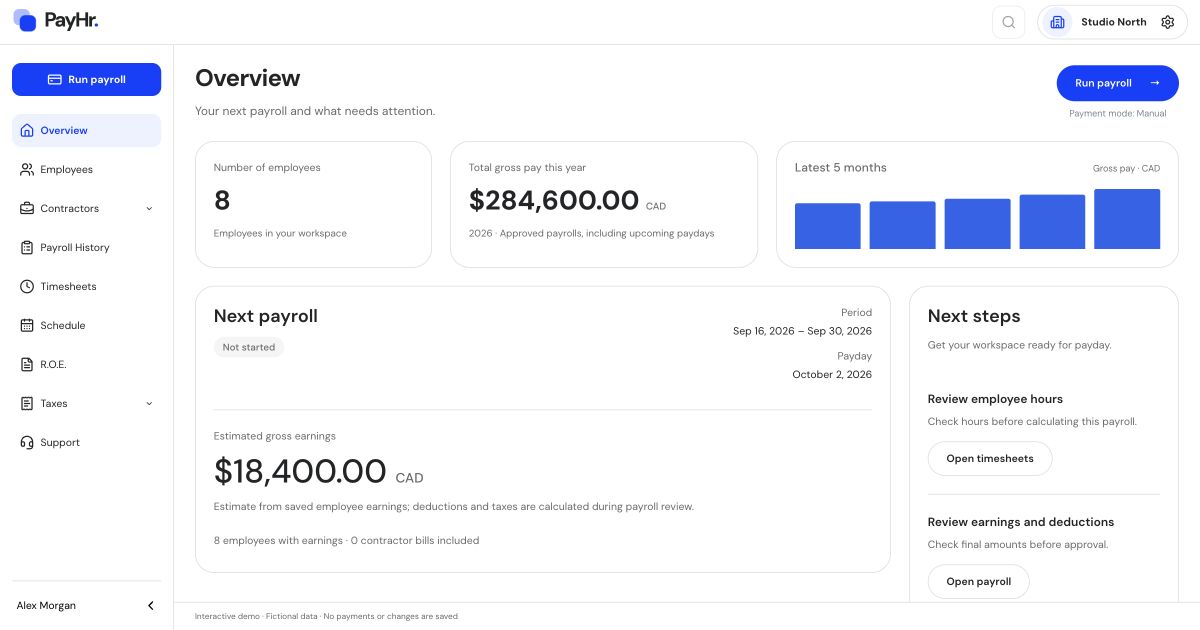
Company news
PayHr introduces a free payroll software plan for Canadian small businesses
PayHr’s Free Plan includes unlimited employees, contractors and pay runs, with optional paid services and coverage in Canadian provinces outside Quebec.
Read the announcement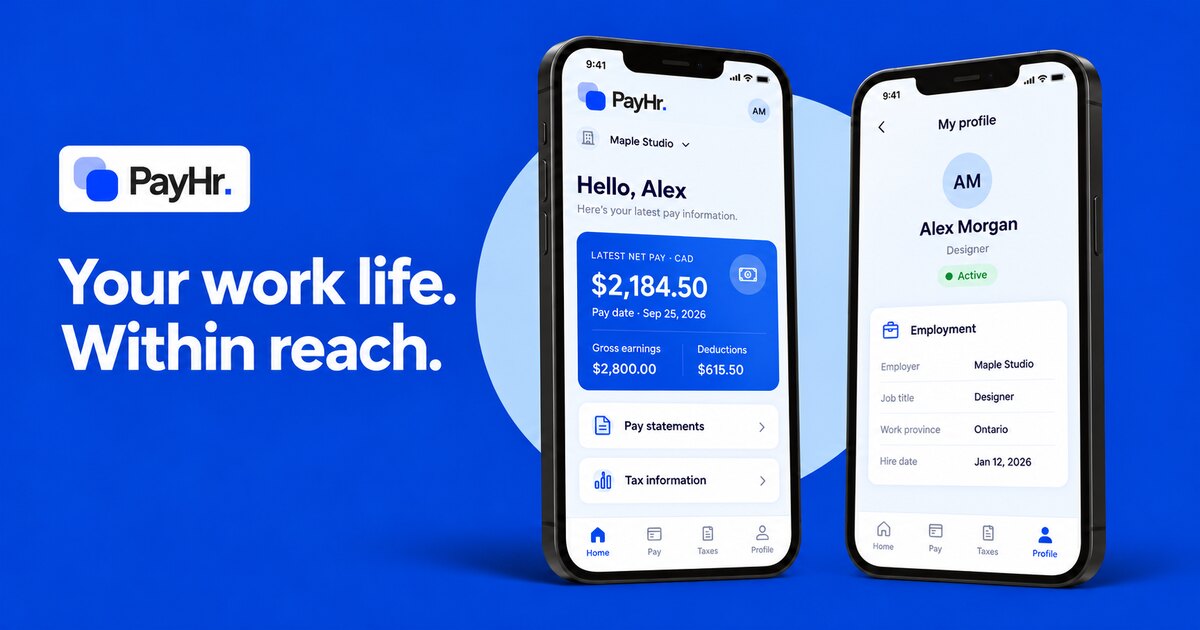
Product updates
Meet the PayHr employee app: your work life, within reach
A first look at the PayHr employee app for iOS and Android: home, pay statements, tax information and profile. With web portal access in your browser.
Read the guide