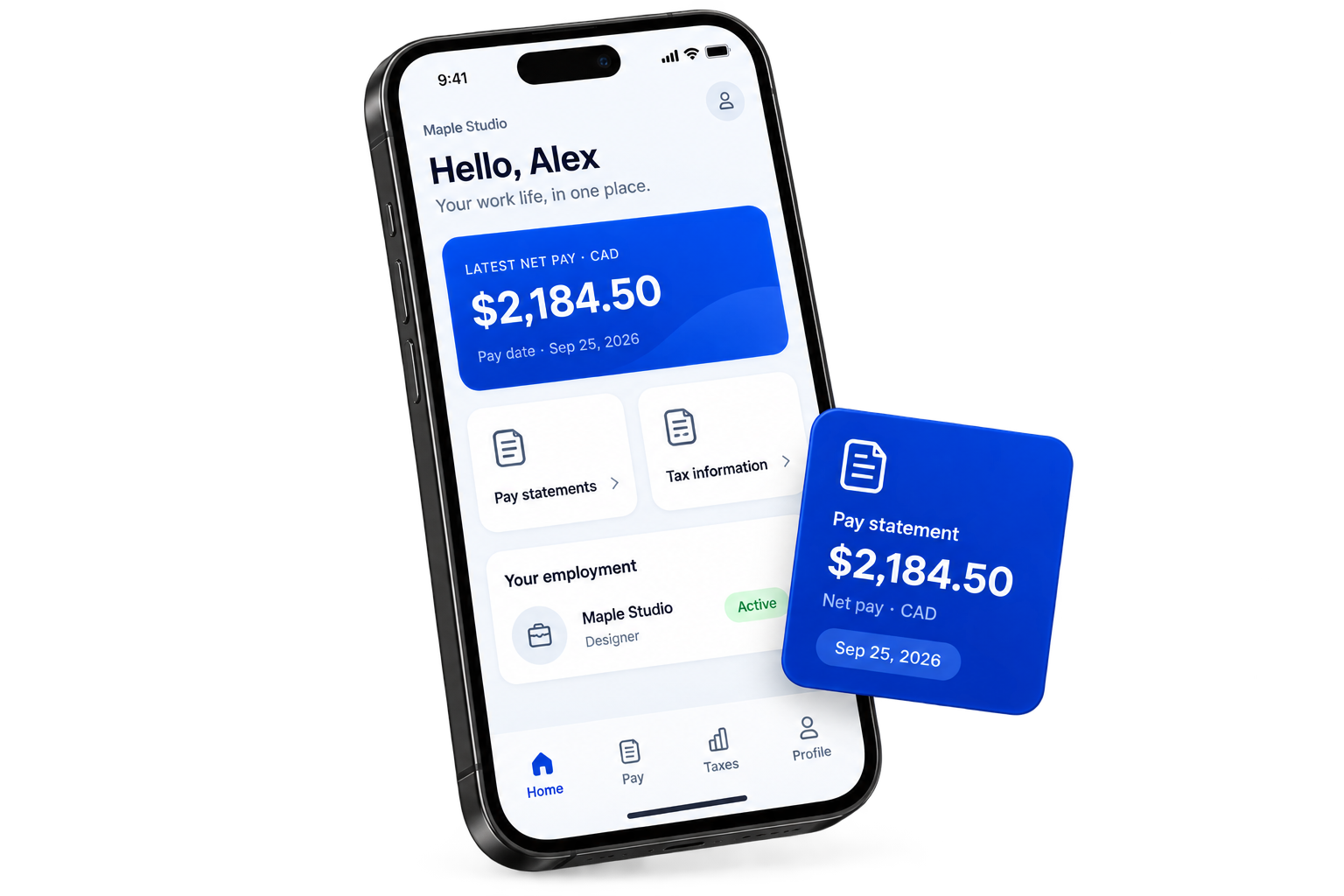
THE PAYHR EMPLOYEE APP
Your work life.
Within reach.
Your pay statements, tax information and employment details.
One familiar place. Wherever work takes you.


Illustrative app preview · Fictional sample data
MADE FOR YOUR EVERYDAY
A familiar place.
A little more clarity.
Four simple views. The information that matters to you.
Interactive demo · Fictional sample data. No account needed.
THE WEB EMPLOYEE PORTAL
Same work life.
Another way in.
No app? No problem. Open the employee portal in your browser to find the records your employer has made available.
Open employee portal For employees whose employer uses PayHr.Open the employee portal.
Use employee sign-in to access your records.
Sign in with your employee email.
Use the email your employer has on file.
Choose your employer workspace.
Your available statements and details are there.
A LITTLE HELP
Good questions.
Clear answers.
Need help with a record?
Your employer’s payroll team can help.
Who can use the employee app?
Employees whose employer uses PayHr and has linked their employee record to their sign-in email. If you do not see your employer or records, ask your employer’s payroll team to check your access.
Can I use the portal without downloading an app?
Yes. Open the web employee portal in your browser and sign in with your employee email.
How do I update my personal or pay details?
Review the information in your profile and contact your employer’s payroll team to correct personal, employment or banking details.
Does my statement confirm a bank deposit?
Recorded or approved payroll is not confirmation of payment. Check your bank account and speak with your employer if you have a payment question.
WORK LIFE, WITHIN REACH
Take PayHr with you.
Your information. Your everyday. One app.
Apple and the Apple logo are trademarks of Apple Inc. App Store is a service mark of Apple Inc. Google Play and the Google Play logo are trademarks of Google LLC.